New Adjust Reason Code
The screen allows you to add a new Adjust reason code.
Click on Lookups -> Adjust Reason Codes -> New button Or click on Lookups -> Adjust Reason Codes ->  button.
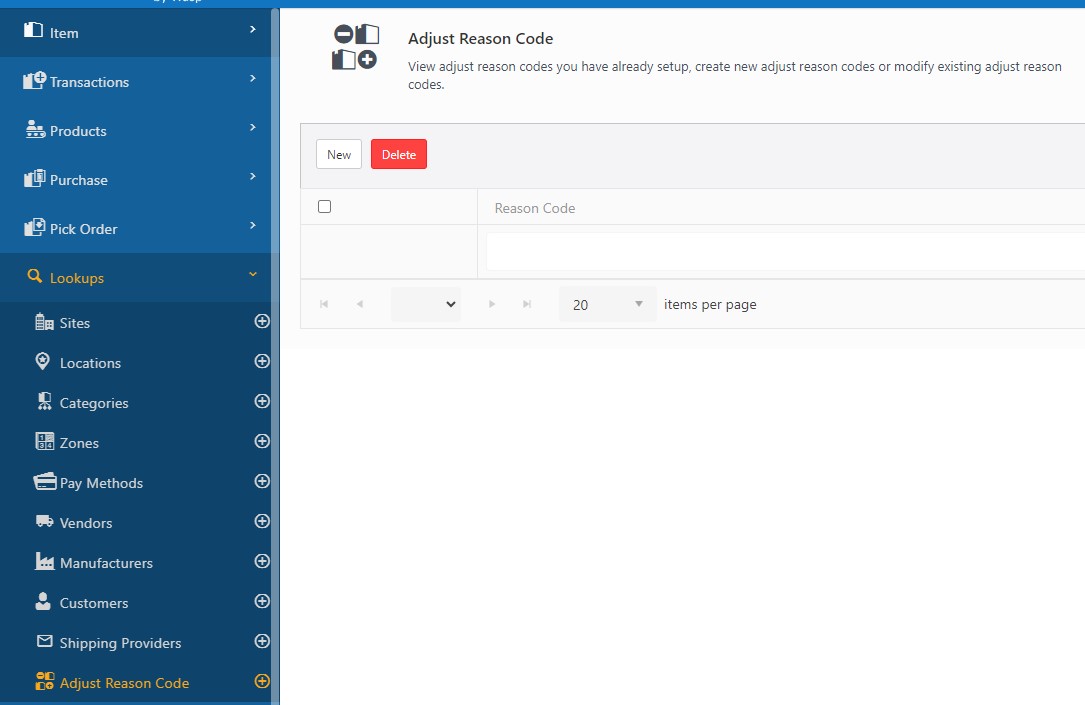
The New Adjust Reason Code screen will appear.

Adjust Reason Code Details
- Enter the Adjust Reason Code. Select Count, Adjust Down, and Adjust Up.
For example, if you purchase 7 picture frames to sell and then you notice that 1 is broken. You can do an adjust transaction with an adjust reason of ‘Broken’. You could choose Count = 6 or Adjust Down 1. The results would be the same, i.e. you will have 6 frames left to sell. Thus Codes are loosely coupled with the Count, Adjust Down or Adjust Up transaction specification. In this case, if something was broken, you would do a Count, or an adjust down. Similarly, you can do an Adjust Up, if you add one more frame.
- Click on the Save button. A message will appear indicating that a new Adjust reason code has been added.
- To add more, you can either access Lookups -> Adjust Reason Code-> button or click on the Save and add another checkbox before saving. The New Adjust Reason Code screen will appear again, and you can add a new Adjust Reason Code.

Refer to the topic Adjust Reason Code Lookup for more details.